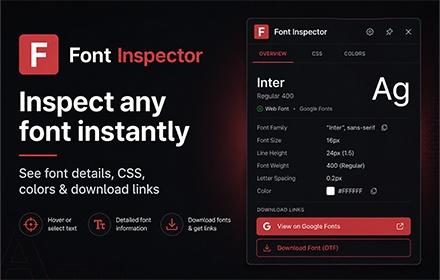
Chrome Extensions/5 min read
Font Inspector for Chrome: Identify Any Font on Any Website in One Click
Find out exactly what font any website uses — family, size, weight, color, line height — instantly. Free Chrome extension, no signup.
July 4, 2025
Blog
Step-by-step tutorials for getting the most out of free Chrome extensions and web tools.
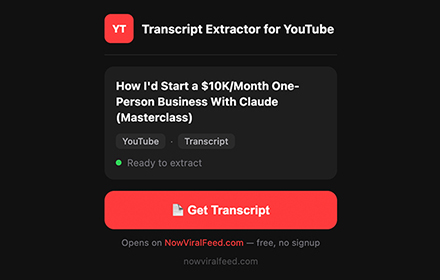
Learn how to extract full transcripts from any YouTube video in one click — with timestamps, multi-language support, and export to TXT, SRT, or CSV. No API key needed.
Find out exactly what font any website uses — family, size, weight, color, line height — instantly. Free Chrome extension, no signup.
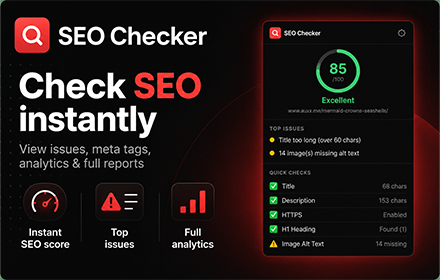
Get an instant SEO report on any webpage — title, meta, headings, images, links, speed, mobile, and structured data. Free Chrome extension.
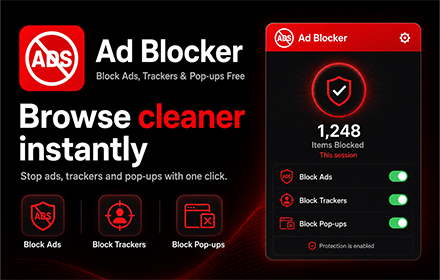
Block display ads, trackers, pop-ups, crypto miners, and YouTube pre-rolls — 58,000+ rules, 7 filter lists, zero CPU overhead. Free Chrome extension.
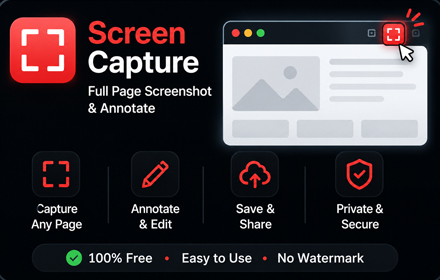
Capture full pages, selections, or bulk URLs. Annotate with arrows, text, and blur. Save as PNG, JPG, or PDF. Free Chrome extension, no watermark.
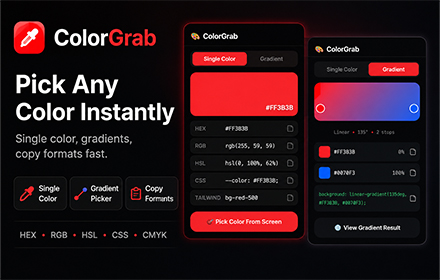
Click any pixel on any webpage and instantly get HEX, RGB, and HSL codes. Color history saved. One-click copy. Free Chrome extension.